Discover the NEW LEGO® Education Computer Science & AI

Schools can shop online and still pay via invoice.

Expert curated STEAM products
Education support included
Curriculum ready resources
Schools can pay by invoice

Product Description

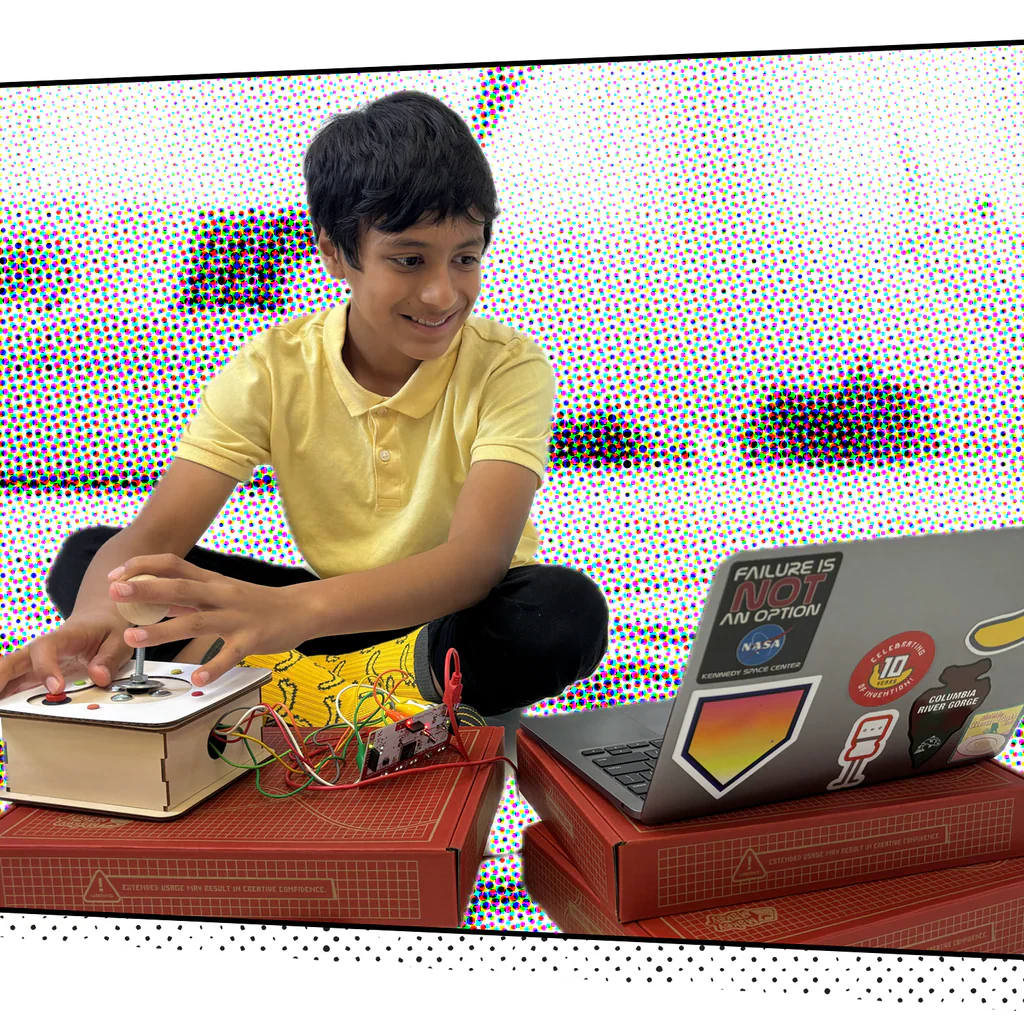
Unleash your inner inventor!

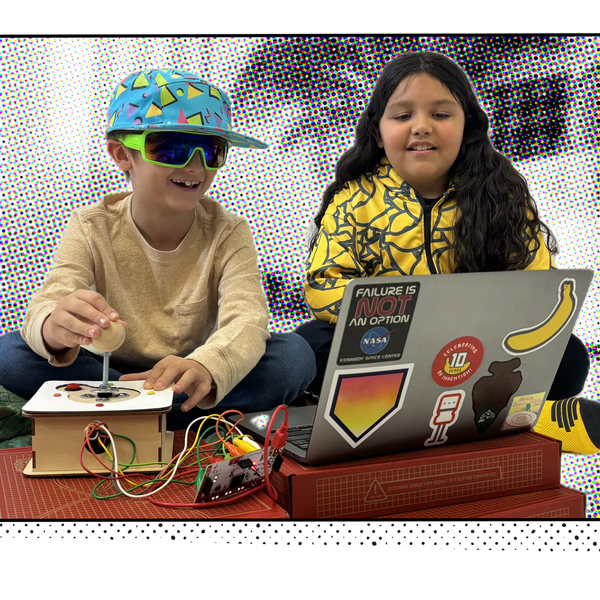
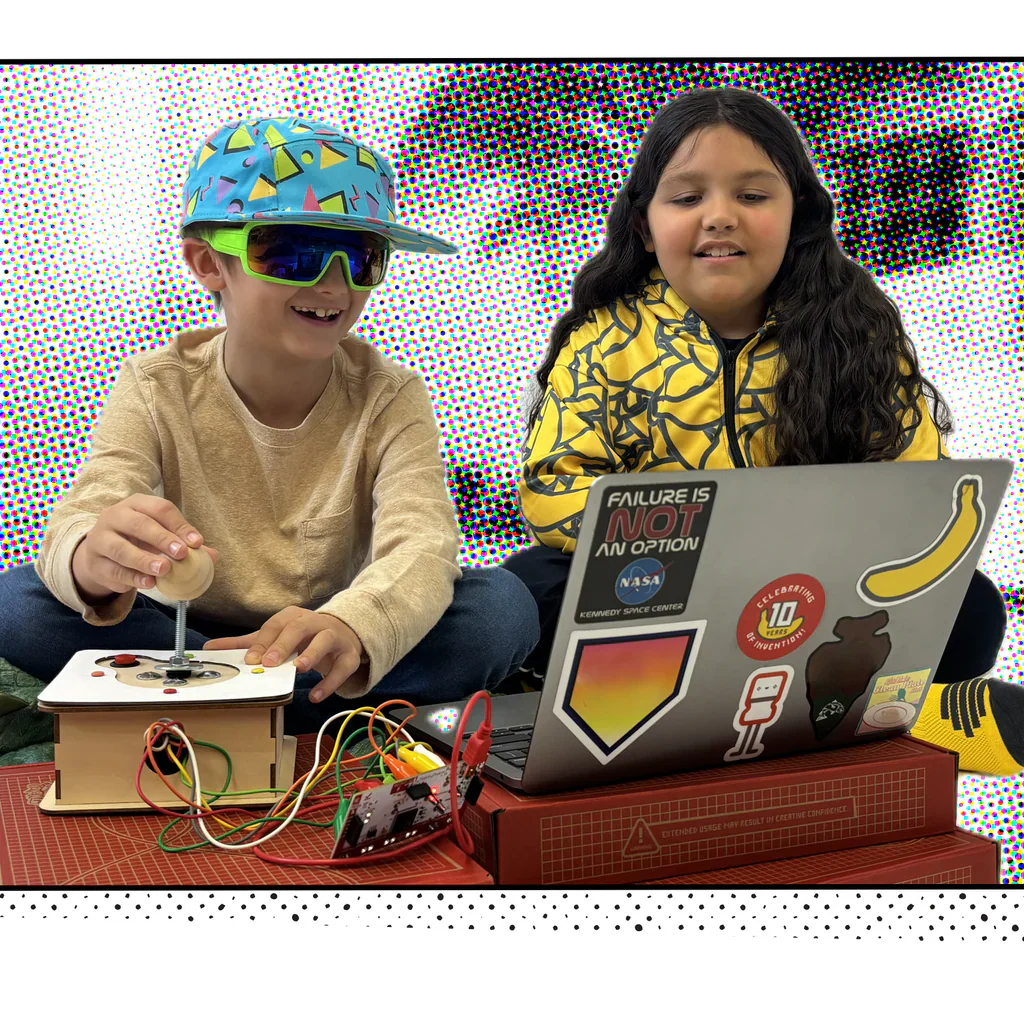
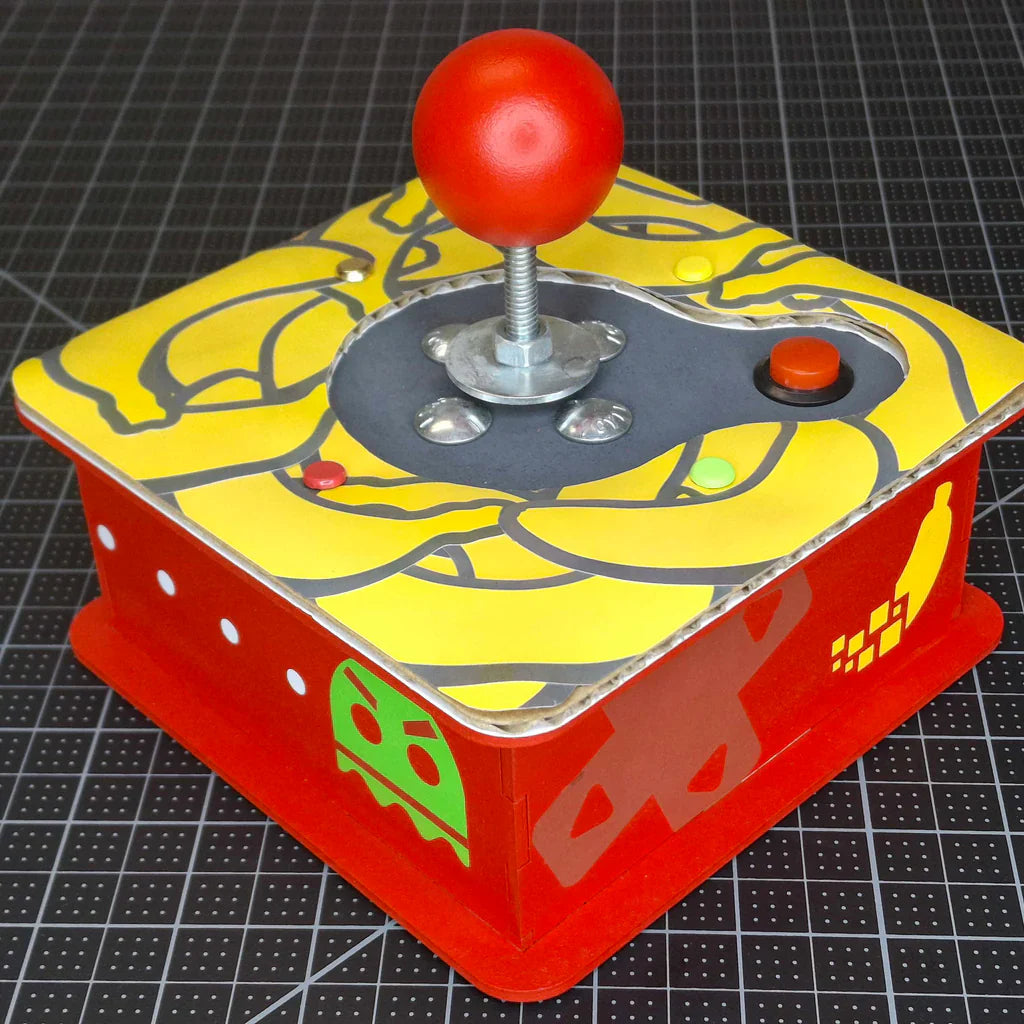
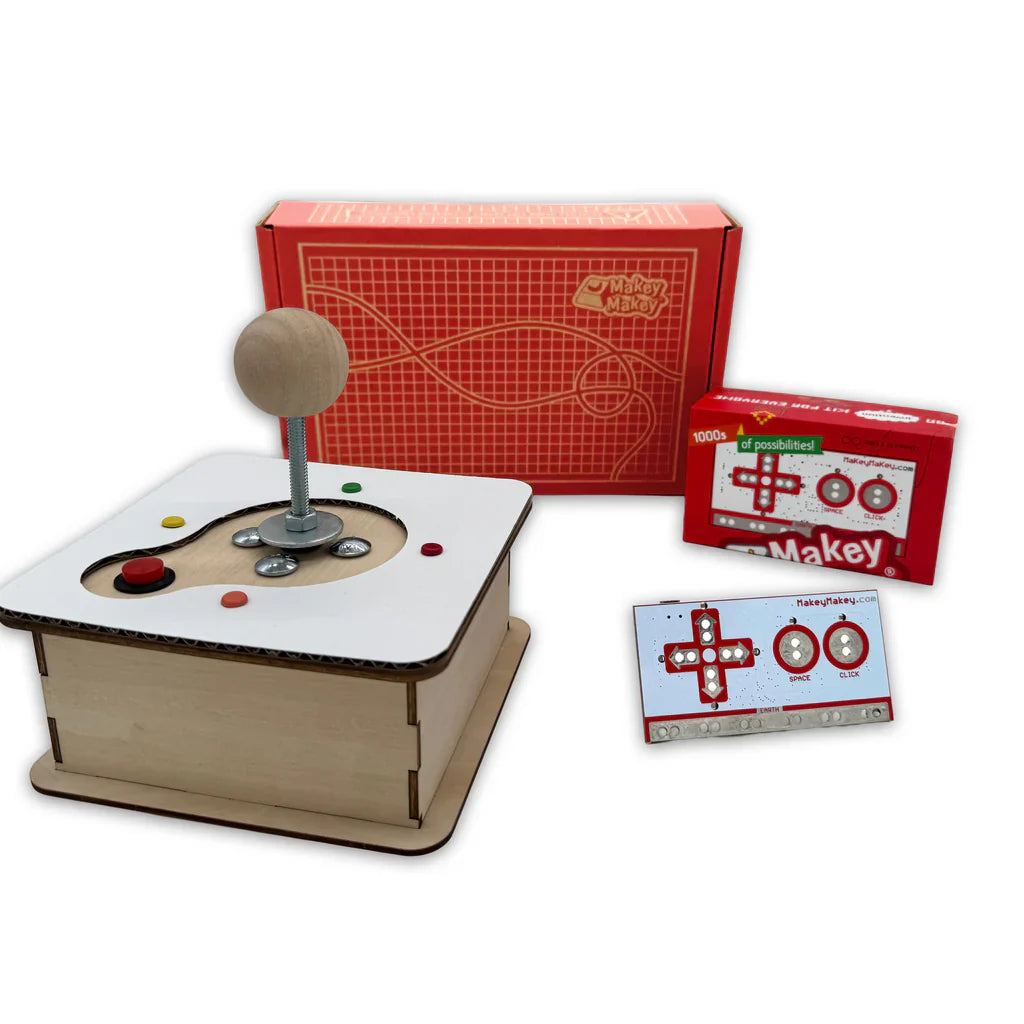
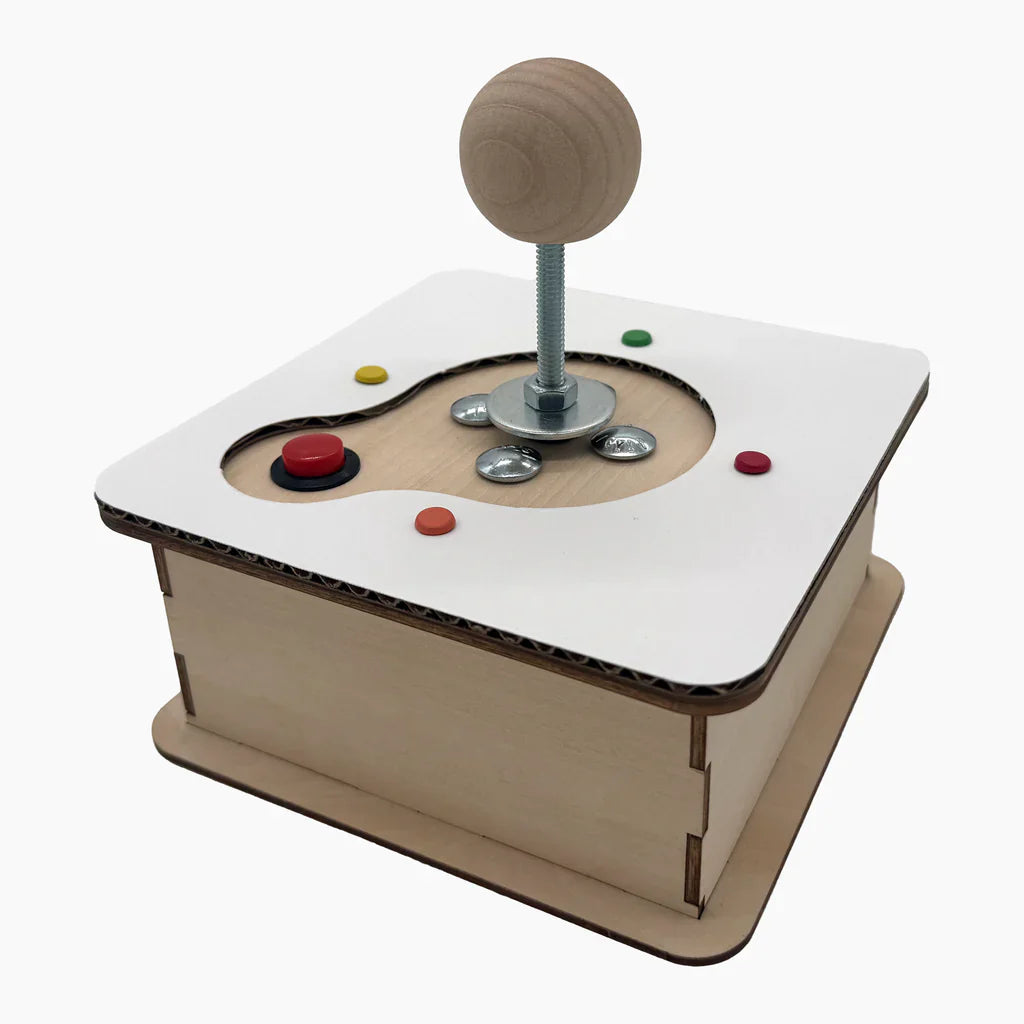
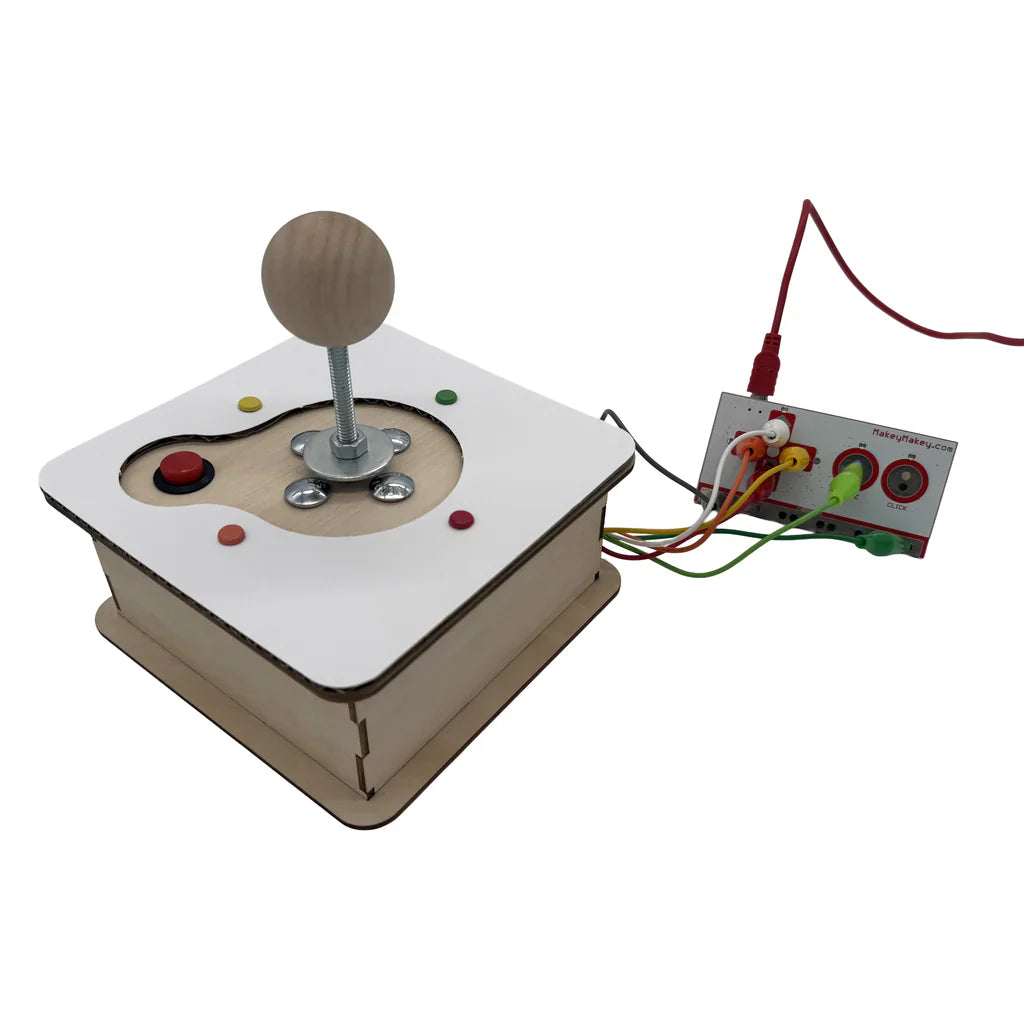
This hands-on kit includes everything you need to build your own fully functional arcade-style joystick using everyday materials and a Makey Makey.

Every Invention Launchpad comes with a vibrant ’zine featuring step-by-step instructions, fascinating background facts, and awesome insights into inventing with simple circuits. Scan QR codes to access bonus content and loads of ideas for creative project hacks and mods.

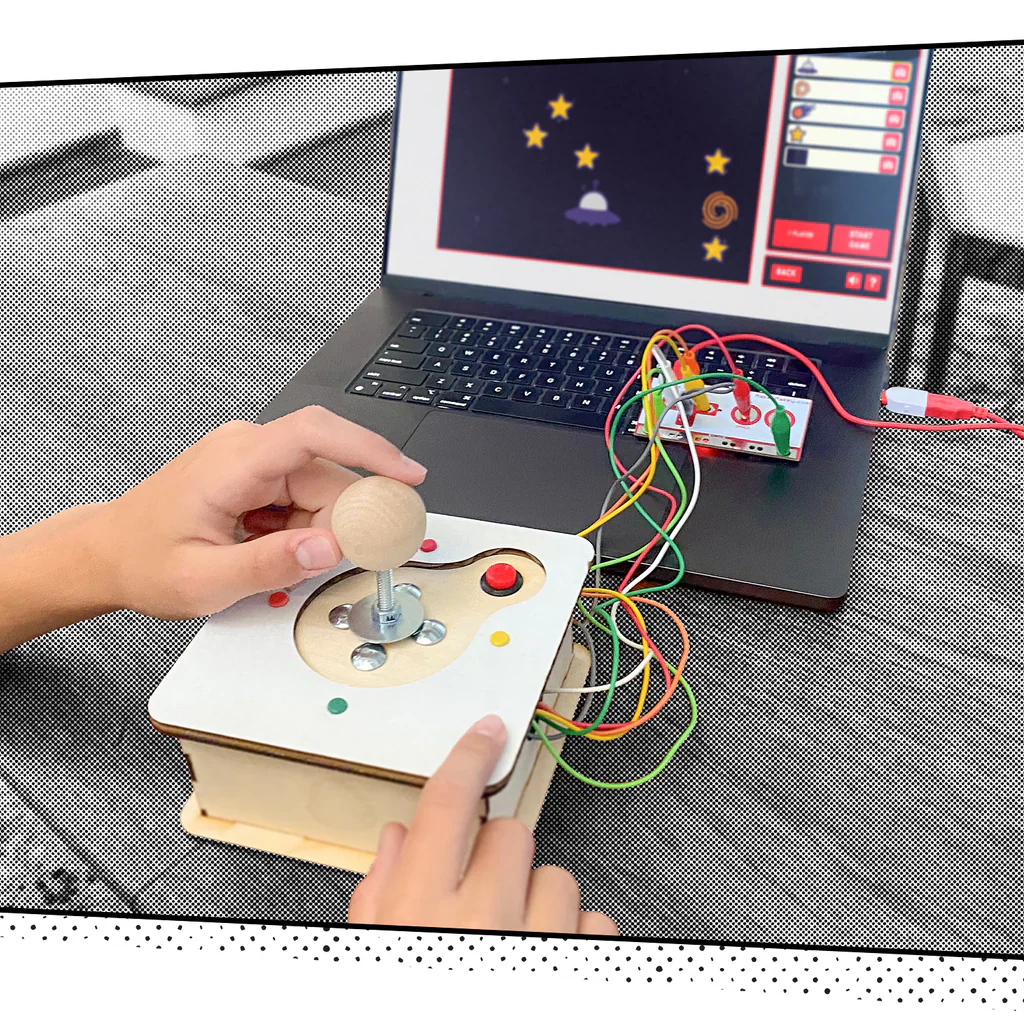
When you’ve completed assembly, plug your joystick into Selfie Arcade – an exclusive online browser-based gaming platform that lets you drop your own selfies, textures, or other captured images directly into classic arcade-style games.

You’ll get a hands-on introduction to simple circuits, digital inputs and outputs, and game design, but the fun doesn’t end when the build is completed. Now you’ve got the tools and the confidence to reinvent your joystick – mod it, hack it, personalize it, add more actions and more buttons, build your next game controller out of different materials and play with your friends to see whose controller wins the game – or whose just makes game play more fun. The only limit is your imagination!

Programming support: Invention Launchpad Page, Retro Joystick Invention Launchpad Pad, Guide to Using Mobile Devices with Makey Makey

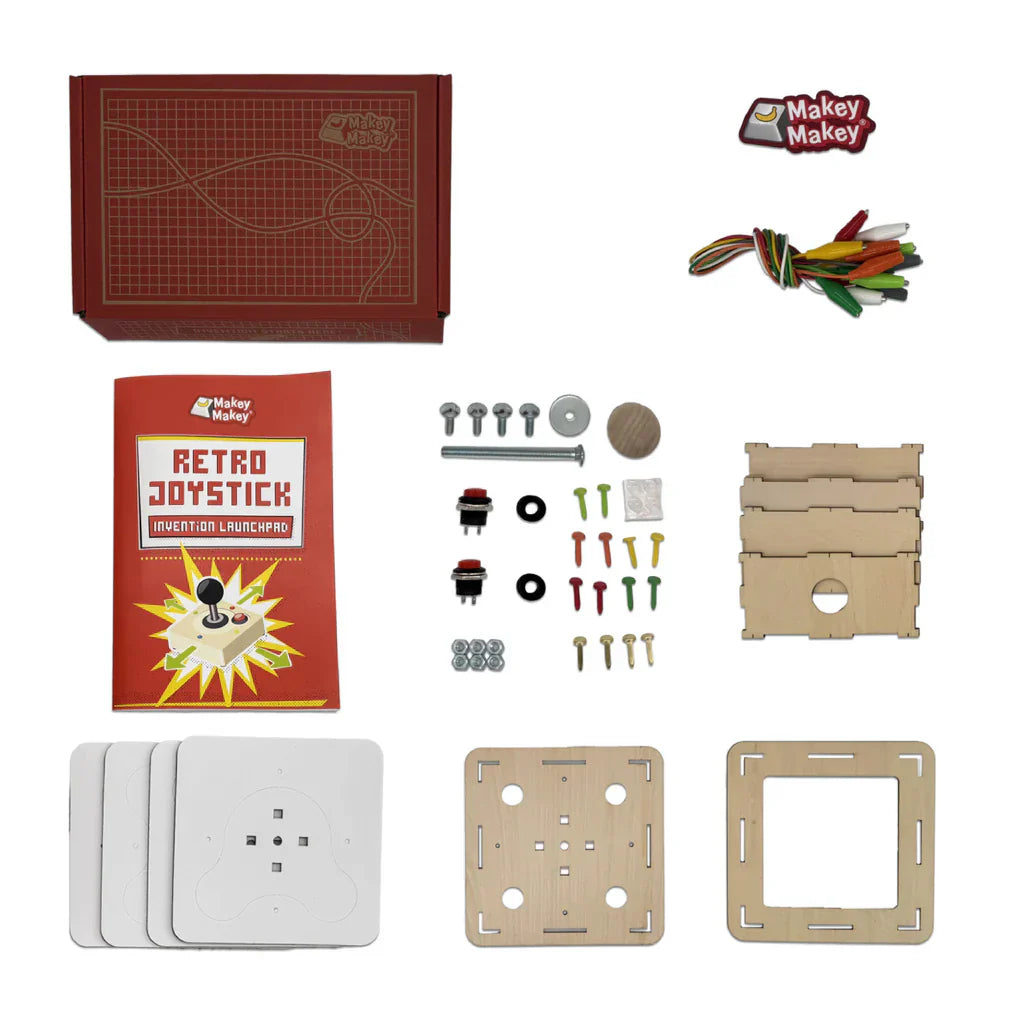
What's in the box

  • Printed Instructional 'Zine
  • 1x 4” Bolt, 4x 3/4” Bolts
  • 6x Nuts, 2x Rubber Washer
  • 1x Washer, 2x Arcade Buttons
  • 1x Wood Knob
  • 4x Cardboard Toppers
  • 10x Assorted Colorful Fasteners
  • 4x Brass Fasteners
  • 4x Rubber Feet
  • 7x Makey Makey Alligator Clips
  • 1x Makey Makey Sticker

Product Specifications

Target age group 8+
Brand Creative Hut Global
Composition Cardboard, Wood
Country of origin Vietnam
Dimensions H 50.8mm W 152.4mm, L 228.6mm
Model name / number SKU:MMIL-RJ

Curriculum Alignment

Retro Joystick Invention Launchpad
  • Computing (Key Stage 2 & 3 – Physical Computing)

It fulfills the requirement for pupils to "design, write and debug programs that control or simulate physical systems." By mapping the joystick’s directional movements to specific keyboard outputs, students gain a practical understanding of how input devices translate physical action into digital data.

  • Science (Key Stage 2 – Electricity)

It links directly to the objective to "identify whether or not a lamp will light in a simple series circuit, based on whether or not the lamp is part of a complete loop." The joystick acts as a series of switches; students must create a complete conductive loop between the joystick and the "Earth" bar for the computer to register a signal.

  • Design and Technology (Key Stage 2 & 3 – Design and Make)

It aligns with the requirement to "understand and use mechanical systems in their products." Assembling the joystick allows students to evaluate the mechanical pivot and contact points, requiring them to iterate and troubleshoot their build to ensure the physical interface is functional and responsive.


Get in Touch

Why Creative Hut?

Creative Hut partners with educators to deliver STEAM learning that works in the classroom. Every product we offer is selected with curriculum relevance, practical use, and student engagement in mind.From curriculum-aligned resources to ongoing education support and school-friendly purchasing, we’re here to help you deliver learning with impact.

Get in Touch