Bundles available only in September.
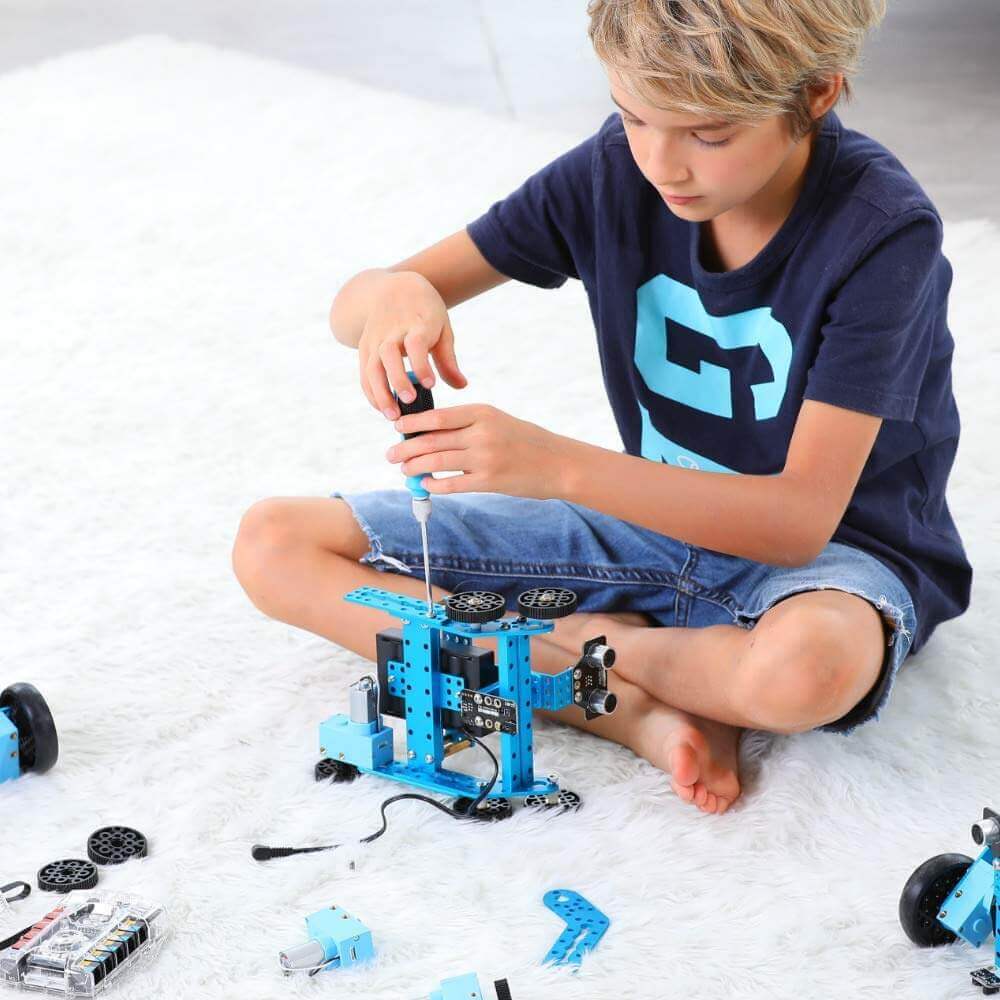
Robotics Classroom
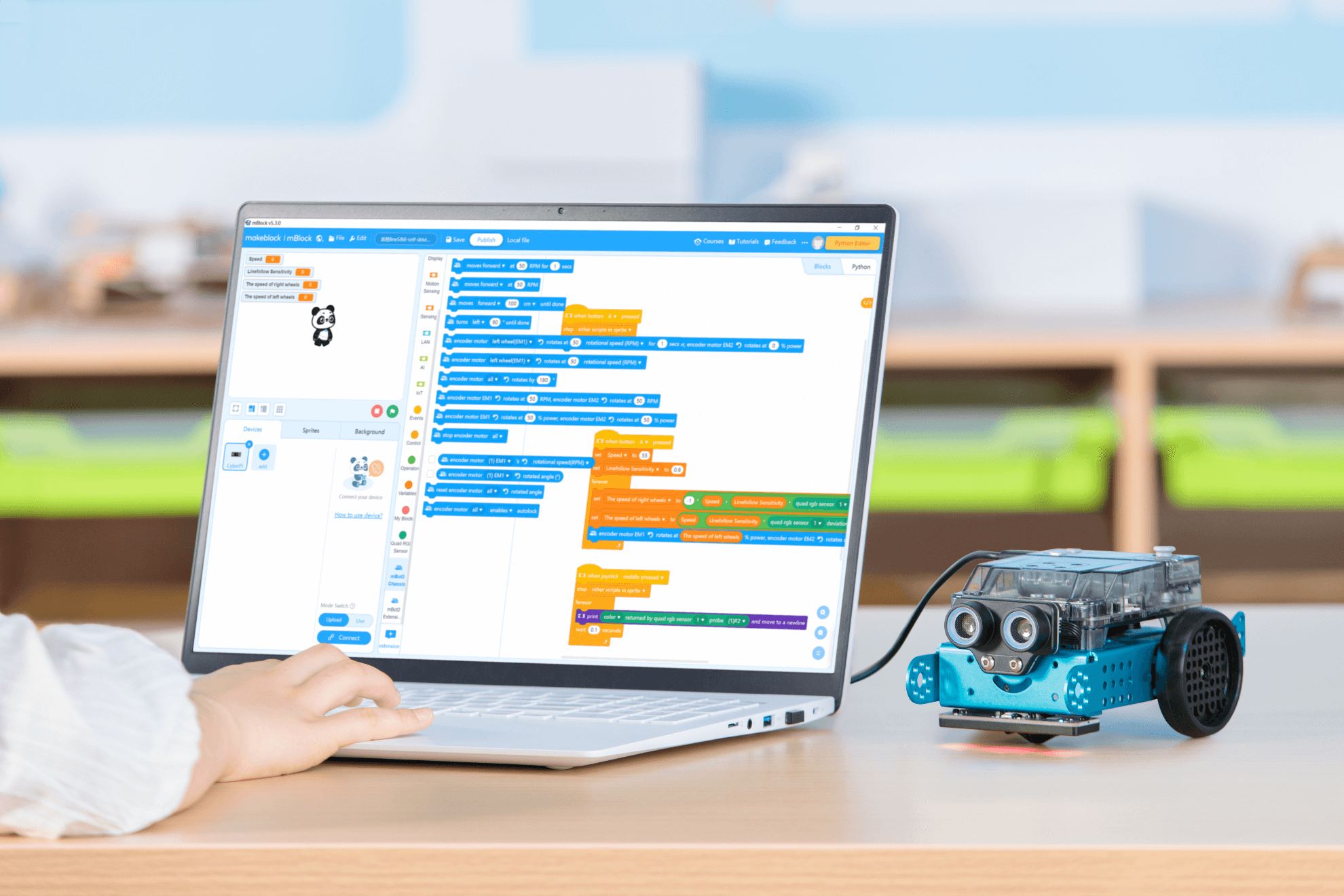
Buy a class pack which includes 15 mBot 2 robots and receive a free CyberPi Go Kit.
Legacy Robotics Impact Programme
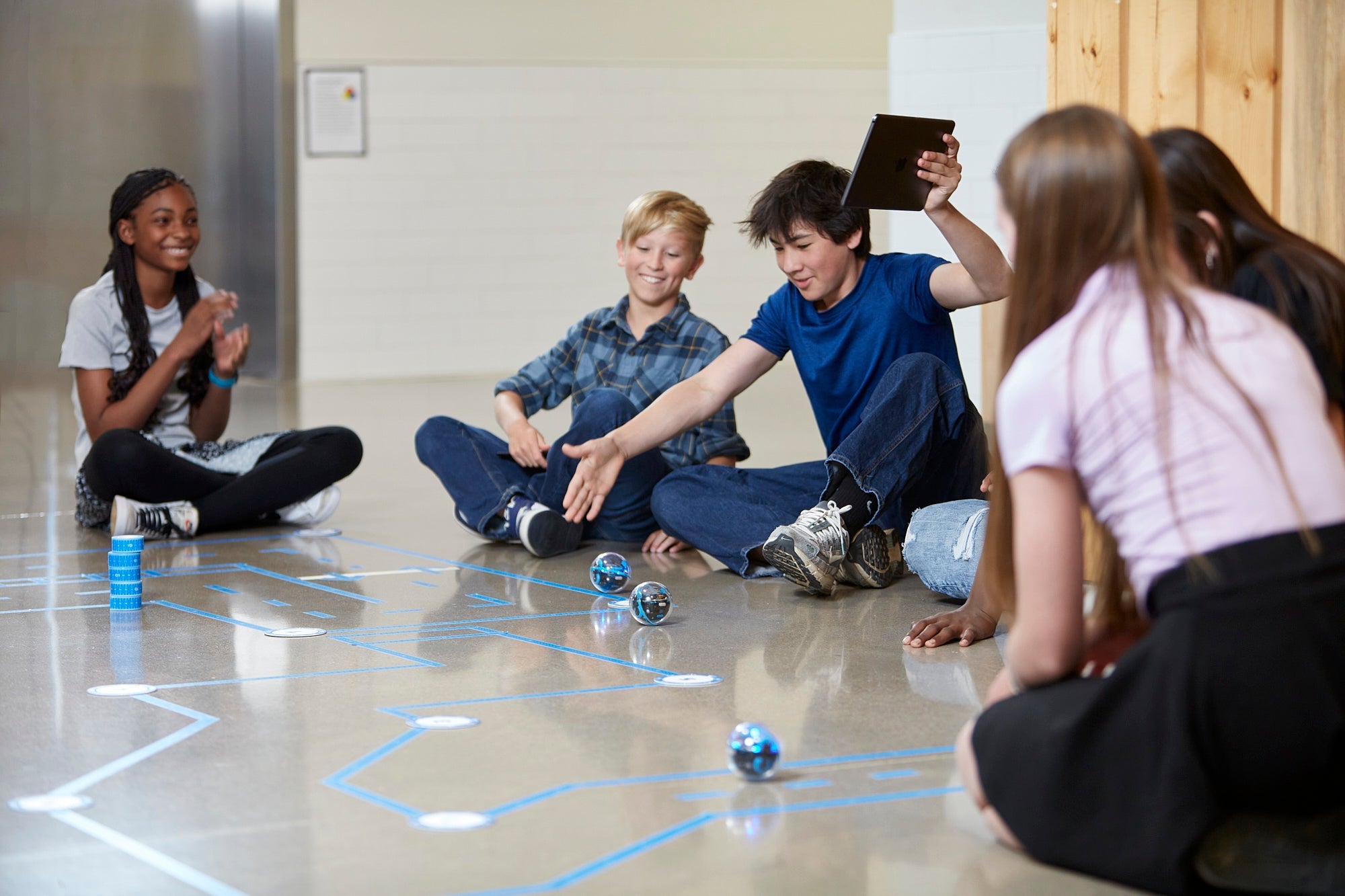
Includes a Sphero Blueprint Robotics Classroom Competition Packs, 6 iPads, a customised activity, in person training and online follow up training sessions work over £16,000.
Meet your first robot. Then the next.
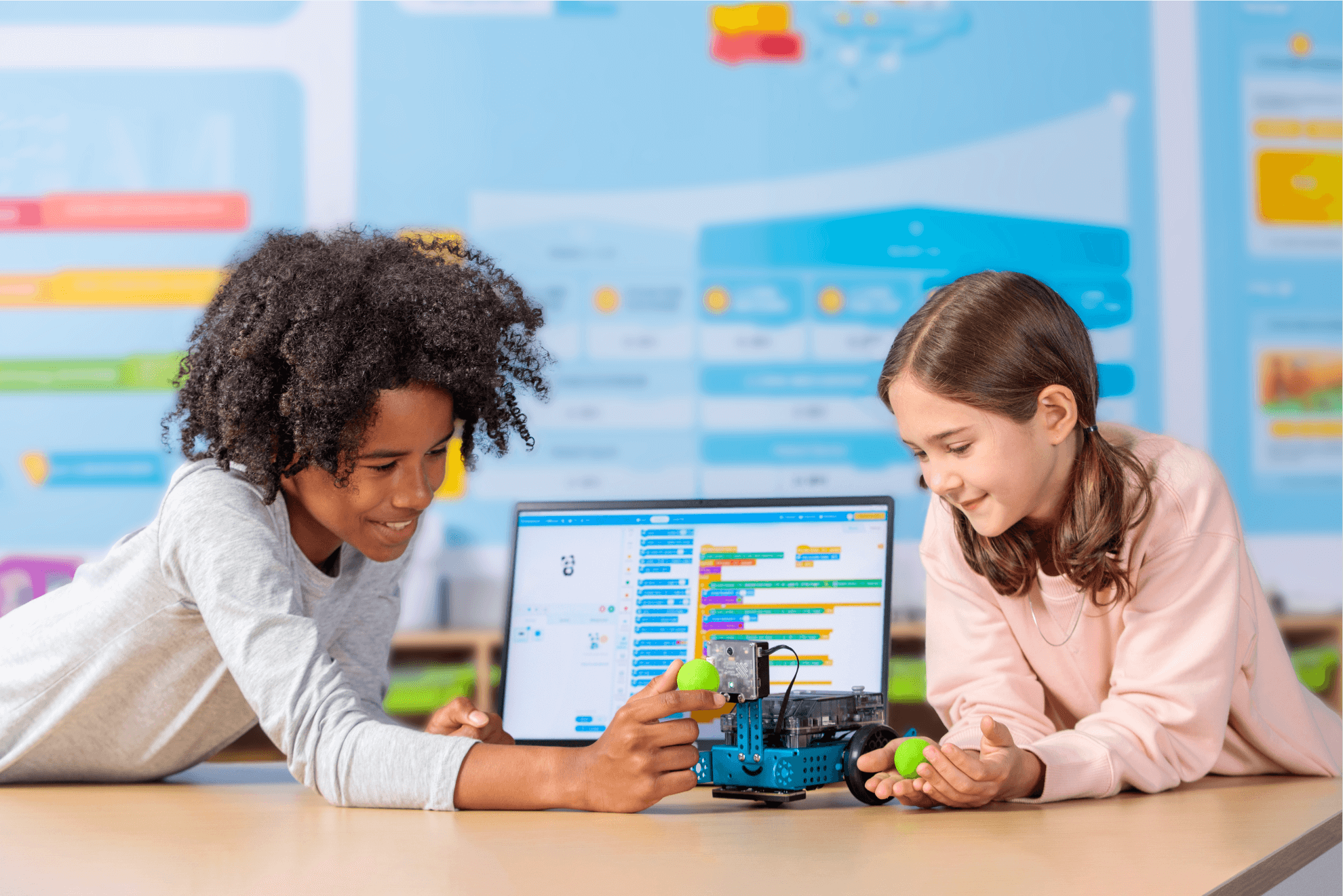
One progression from a child’s first robot to advanced builds, Scratch first, then Python.
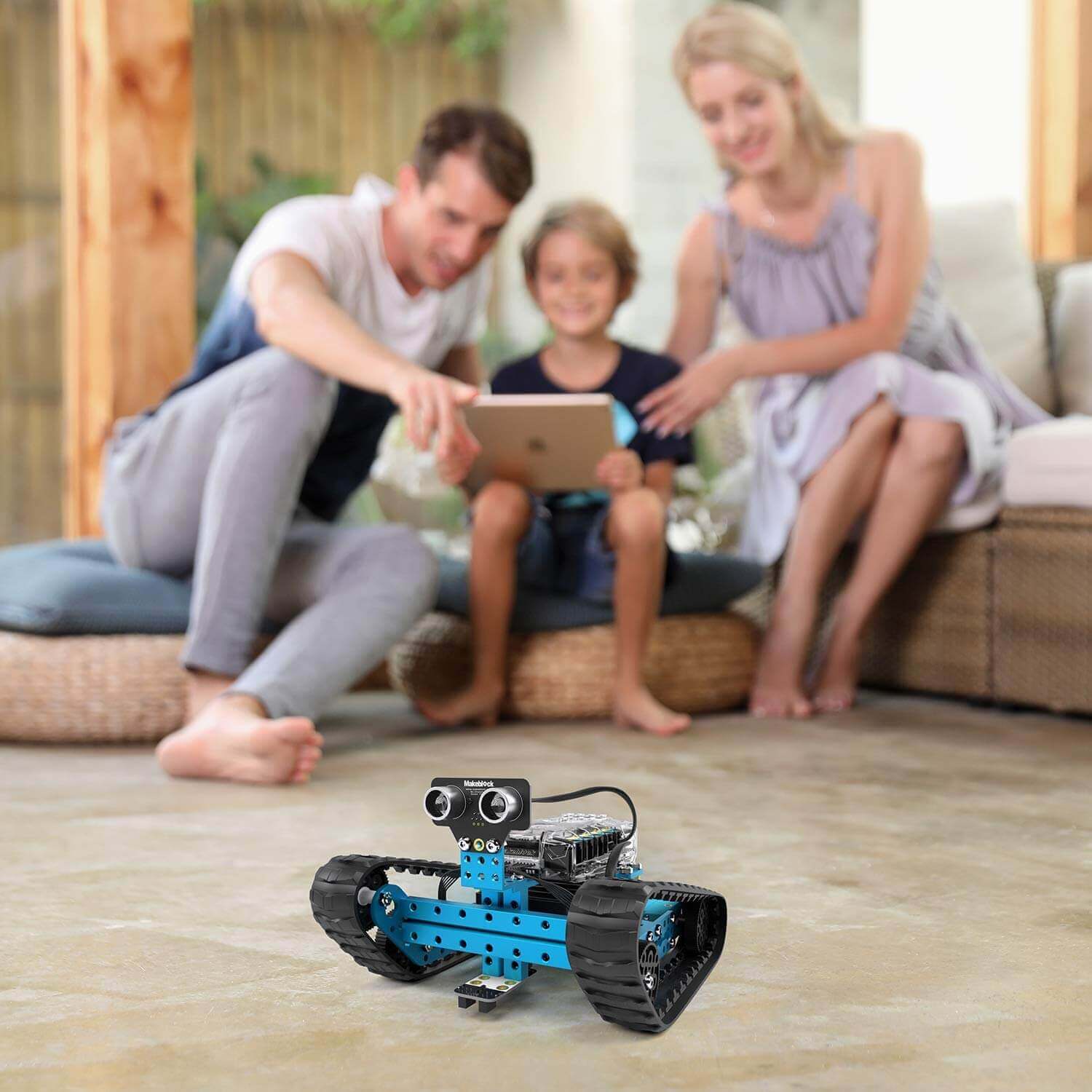
Makeblock gives you a clear path from primary to secondary. mBot2 gets younger pupils coding and building; mBot Ranger takes it further. The kit stays in school, so what pupils start this term they build on next term.
What it is
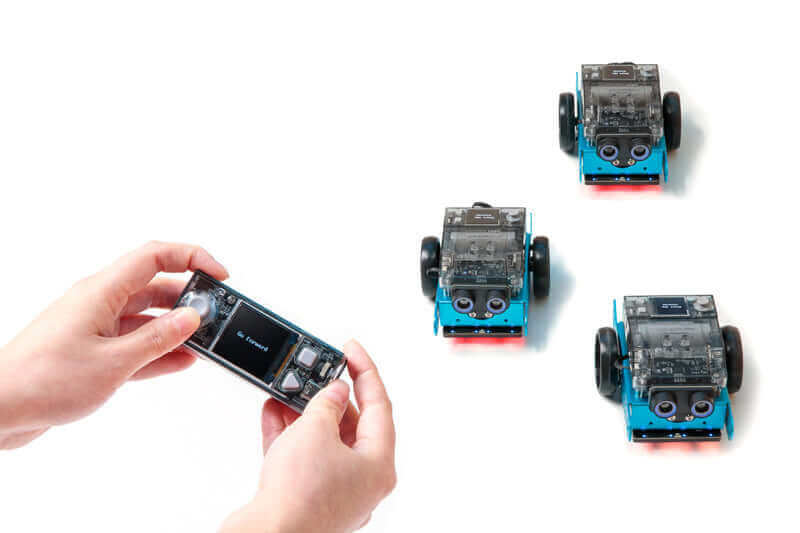
- mBot2 for primary, mBot Ranger for secondary.
- Scratch for a first program, Python as pupils progress.
- A class set with charging and storage for a whole room.
What pupils start this term they build on next term, because the kit and the progression stay in school.
Empower Your Teams to Inspire the Next Generation
Bring your CSR strategy to life with engaging STEM outreach programmes that make a genuine difference in schools and communities.
By signing up, you'll:
- Discover ready-to-deliver education programmes aligned to your CSR goals
- Learn how your employees can take part in meaningful volunteering opportunities
- Receive insights, case studies, and examples of successful STEM outreach initiatives
- Explore ways to create measurable social impact while strengthening employee engagement
- Get early access to new workshops, events, and partnership opportunities
Whether you're looking to inspire future talent, support local schools, or build stronger community connections, Creative Hut can help you deliver impactful education experiences with confidence.
